Author: Nick Diego

WordPress Studio 1.7.0: Meet the New Studio CLI

Version 1.7.0 of WordPress Studio is a major upgrade for anyone building WordPress sites locally, especially developers and power users who like to automate tasks and work from the terminal. In earlier releases, the Studio CLI focused mainly on creating and managing preview sites.  With version two, it becomes a full-featured command-line companion for much…
Telex Turns Everyone into a WordPress Block Developer

Telex Turns Everyone into a WordPress Block Developer

As a WordPress developer for more than a decade, I’ve built numerous WordPress blocks, ranging from simple callouts and icon blocks to multi-block forms and slideshows. The process can be demanding and requires a solid grasp of how WordPress works under the hood, as well as familiarity with React, JavaScript, PHP, and other relevant technologies….

Staging Sites, Now More Powerful Than Ever

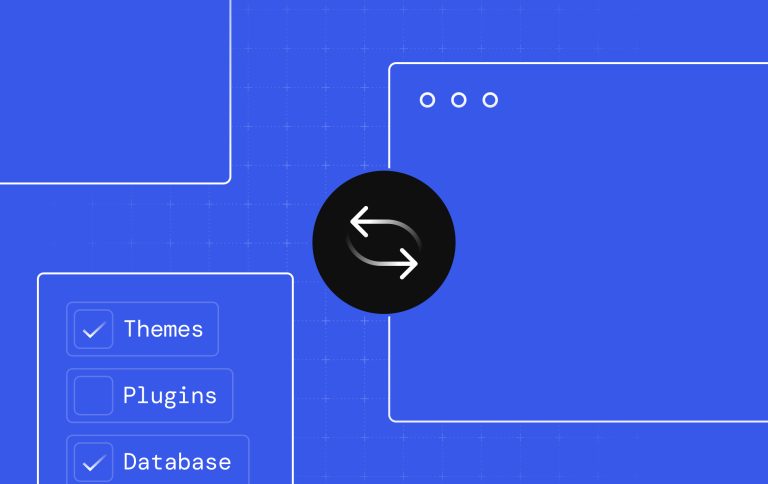
Staging Sites, Now More Powerful Than Ever

Staging sites let you safely experiment, like testing new themes, trying plugins, updating content, or fine-tuning your design, all without making unwanted changes to your live site. But staging site management can sometimes be challenging. A cumbersome interface and limited sync options can slow development, increase the risk of errors, and make it harder to…

Introducing Selective Push and Pull in WordPress Studio

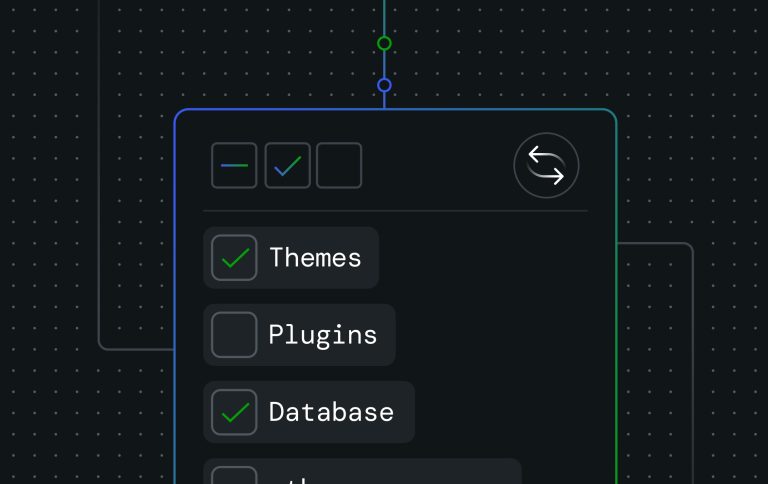
Introducing Selective Push and Pull in WordPress Studio

Picture this: You’re working on a client’s website, fine-tuning a new theme you’ve been developing for weeks in WordPress Studio. The design is perfect in your local environment, and you’re ready to push it live using Studio’s sync feature. But there’s a catch. You only want to deploy the theme. You don’t want to overwrite…

Customize Your WordPress Development Workflow: New Preferences in Studio

Customize Your WordPress Development Workflow: New Preferences in Studio

Studio by WordPress.com is a free local development tool designed to help developers build plugins, themes, and full WordPress sites. The recent 1.5.1 release introduces more flexible environment customization, including support for setting your preferred code editor and terminal application directly in Studio. This has been one of our most requested features, especially with tools…

Local WordPress Development Workflows Using Studio

Local WordPress Development Workflows Using Studio

A reliable local WordPress environment is essential for any developer, whether you’re building themes, plugins, or entire sites. While many tools for local WordPress development exist, Studio by WordPress.com has quickly become my go-to. It’s particularly popular among developers with websites hosted on WordPress.com. In this post, I’ll cover Studio’s key features, share common workflows…